
IVR
Call flows you can draw.
Drag-and-drop IVR with speech recognition, pay-by-phone and routing to the right queue — built in minutes, changed without a vendor ticket.
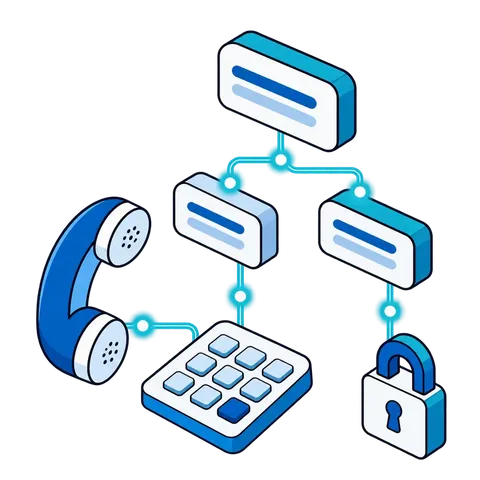
PAY-BY-PHONE, DRAWN AS A FLOW
The agent never hears the card number.
An inbound payment call: a greeting in our own text-to-speech, a spoken request instead of a keypad, and the card captured inside the IVR.
- Inbound call
- Greeting and balance in our own TTS
- Speech recognition hears the request
- Branch “pay”: Card captured in IVR
- Agent never hears the card
- Branch “agent”: Queued to an agent, account on screen
What the IVR does.
Drag-and-drop editor
Configure a flow in minutes: greeting, menu, branch, payment, transfer.
Speech recognition
Say it instead of pressing it. Callers who say "make a payment" get there without a keypad — on our own speech recognition.
Pay-by-phone
Card payments captured in the IVR and posted to your payment system.
Our own TTS voice for prompts
Prompts read by our own text-to-speech — no third-party speech bill.
24×7 self-service
Balances, payments and answers around the clock, with escalation to an agent when a caller needs one.
Questions we hear
Can we record our own prompts?
Yes. You can record your own prompts and upload to CenterMaster. Every prompt can also be read by our own text-to-speech and processed by our services team.
Does the IVR work after hours?
Yes. Self-service runs 24×7 — balances, payments, answers to routine questions. When a caller needs a person, the flow escalates to your agents during the hours you staff.
How do complex IVRs get built?
With our team. You can draw simple flows yourself; IVRs with payment integrations or complex routing are scoped and built by our professional services team, then handed to you to change. See Services.
Bring a call flow. We'll draw it with you.
Tell us what callers need to do — pay, check a balance, reach the right queue — and we'll build the flow on the call.